Gostman is an API client for REST, GraphQL, gRPC and WebSocket that you, your CI pipeline and your coding agent share. These pages cover the desktop app, the web app and the command line, and every feature in them is included in the free download.
Where to start
- Getting started: open Gostman in the browser, install the desktop app or the command line, and send a first request.
- What is free in Gostman: the features Postman and Bruno list under paid plans, and where Gostman covers each one.
Send requests
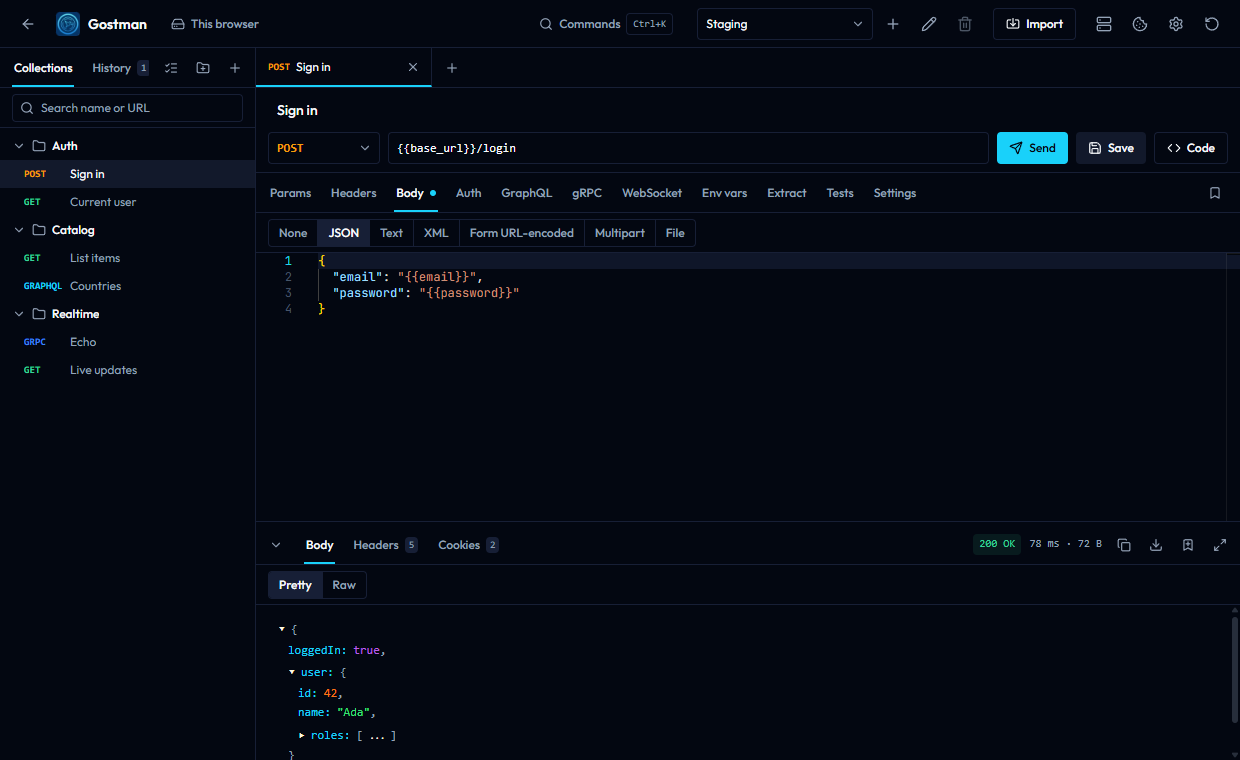
- Requests and responses: the request editor, every body and auth type, and the response viewer.
- Protocols: REST, GraphQL, gRPC, WebSocket, Server-Sent Events, SOAP and MCP servers.
- Variables: scopes, secrets and dynamic values.
- Folder and collection settings: headers, auth, variables and scripts shared by a folder.
- Variables, scripts and settings: tests, scripts, network settings and the OAuth 2.0 callback.
Test and automate
- Runner, load testing and secret scanning: the in-app runner and the dialogs for load tests and scans.
- Command line:
run,send,mock,capture,docs,load,scanandlint. - Gostman in CI: exit codes, reports and recipes for GitHub Actions, GitLab CI and Jenkins.
- Use from a coding agent: the MCP server for Claude Code, Codex and Cursor.
Your data
- Collections and Git: the sidebar, tabs, storage and the Git panel.
- Folders, mock server and capture: collections as files, saved examples and recorded traffic.
- Import, export and specs: supported formats, OpenAPI tools and Open in Gostman links.
- Sharing and documentation: encrypted share links and generated HTML documentation.
Settings and security
- Secrets and network: secret variables, secret managers, proxy and certificates.
- Preferences and shortcuts: the command palette, preferences and keyboard shortcuts.
- AI features: the optional assistant, which uses your own key.